TRAIN TRACK® Web Edition Help Manual
Globally Update Approver
If you have changes in personnel and need to assign a new document approver, TRAIN TRACK® allows you to move all documents assigned to one approver to a new approver at once. Please double-check the employee name before doing this as it cannot be undone.
Globally Update Approver
To change all documents assigned to a particular approver to a new approver, follow these steps:
| Step | Illustration |
| 1. From the navigation bar, select Employee > Globally Update Approver. | 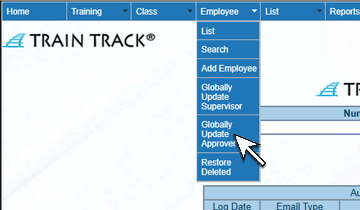 |
| 2. The Globally Update Approver screen will open. Select the Previous Approver. | 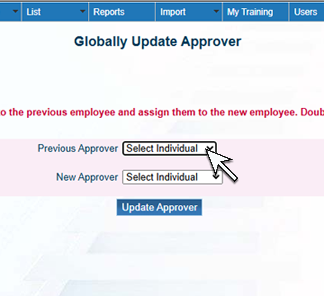 |
| 3. Select the New Approver. | 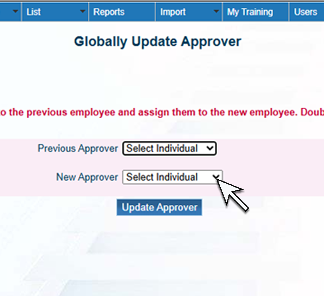 |
| 4. Click Update Approver. | 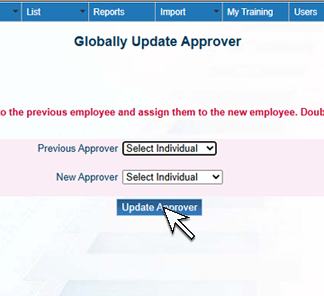 |